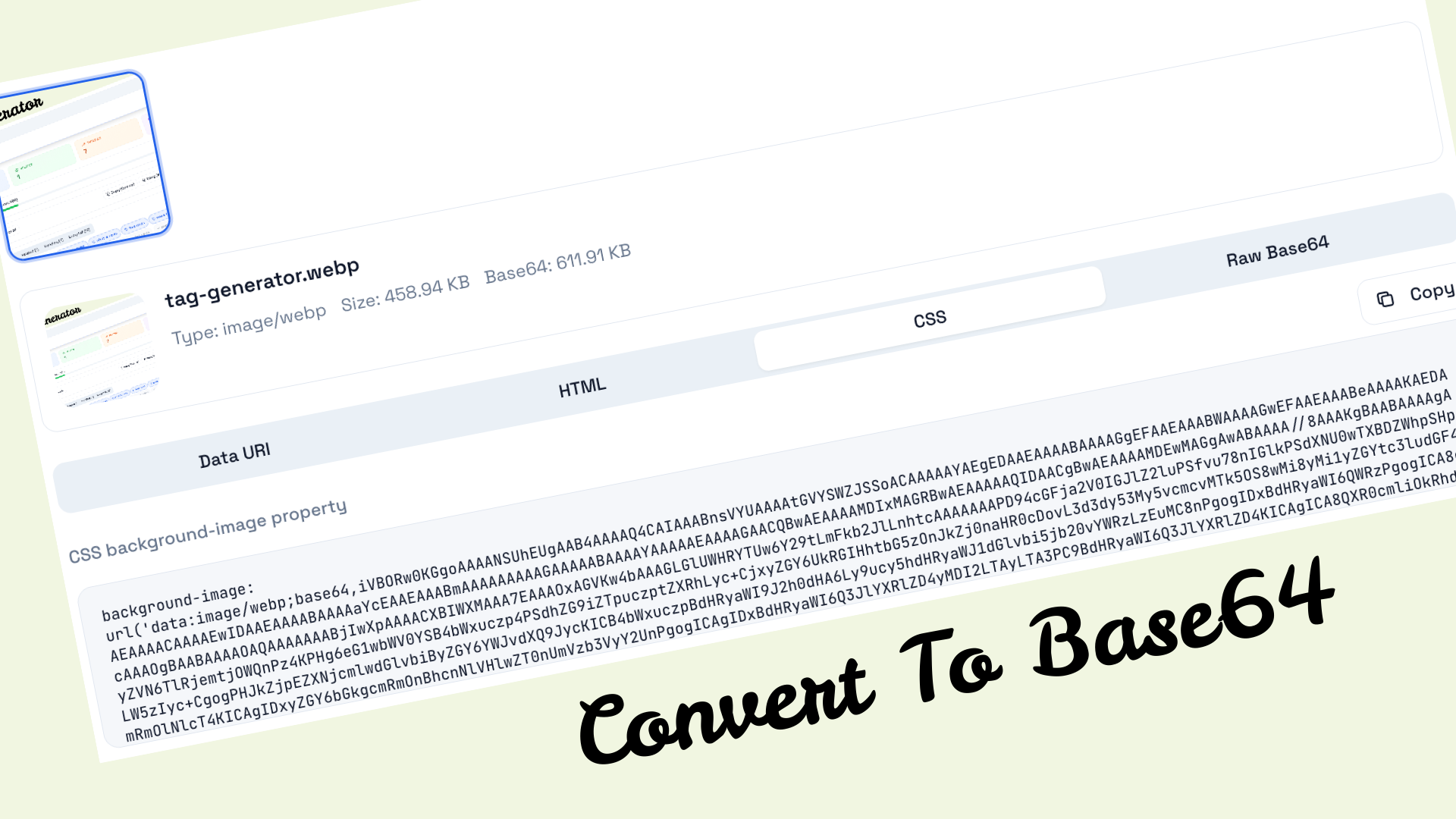
Convert Images to Base64

Transform your images into Base64 encoded strings instantly. Perfect for HTML, CSS, and email templates.

Drag & drop your images here

or click to browse your files

JPGPNGGIFWebPSVGBMP

Maximum 20 files, 1 MB each

Supported File Formats

Upload up to 20 images simultaneously (max 1MB each) in the most popular web formats: JPG, PNG, GIF, WebP, SVG, or BMP. Our converter handles everything from photos and graphics to icons and logos.

Multiple Output Formats

Get your Base64 data in multiple formats: raw Base64 string, complete Data URI, ready-to-use HTML img tags, or CSS background-image property. Copy with one click.

Why Use Base64 Image Encoding?

Reduce HTTP Requests

Embed images directly in HTML/CSS to eliminate extra server requests and speed up page loads.

Email Compatible

Base64 images work reliably in email clients where external images might be blocked.

Self-Contained Files

Create single-file HTML documents with all images embedded - perfect for sharing.

No CORS Issues

Avoid cross-origin resource sharing problems when embedding images in web applications.

Complete Guide to Image to Base64 Conversion

What is Base64 Image Encoding?

Base64 encoding is a method of converting binary data, such as images, into a text-based format that can be safely transmitted over text-only channels. When you convert an image to Base64, you transform the raw binary pixel data into a string of ASCII characters. This encoded string can then be embedded directly into HTML documents, CSS stylesheets, JavaScript files, or email templates without requiring a separate image file.

The term "Base64" refers to the 64-character alphabet used in the encoding process. This alphabet consists of uppercase letters (A-Z), lowercase letters (a-z), numbers (0-9), and two additional characters (typically + and /). Each character in a Base64 string represents 6 bits of the original binary data, making the encoded output approximately 33% larger than the original file. Despite this size increase, Base64 encoding offers significant advantages in specific use cases that make it an invaluable tool for web developers, email marketers, and digital content creators.

How Does Our Image to Base64 Converter Work?

Our free online image to Base64 converter provides a seamless, browser-based solution for transforming your images into Base64 encoded strings. The entire conversion process happens locally in your web browser using JavaScript's built-in FileReader API, which means your images never leave your device and are never uploaded to any external server. This approach ensures complete privacy and security while delivering instant conversion results.

When you upload an image through our drag-and-drop interface or file browser, the converter reads the image data as a binary file. It then applies the Base64 encoding algorithm to convert each group of three bytes (24 bits) into four Base64 characters (24 bits, representing 4 × 6 bits). The result is a text string that begins with a data URI scheme, which includes the MIME type of the image (such as "image/png" or "image/jpeg") followed by the actual Base64 encoded data.

Our tool supports batch processing, allowing you to convert up to 20 images simultaneously. Each converted image generates multiple output formats, including raw Base64 strings, complete data URIs, ready-to-use HTML img tags, and CSS background-image declarations. With a single click, you can copy any of these formats directly to your clipboard, ready for immediate use in your projects.

Understanding Data URIs and Their Structure

A Data URI (Uniform Resource Identifier) is a scheme that allows you to embed small files directly within web documents. When you convert an image to Base64, the resulting data URI follows a specific format: it begins with "data:", followed by the MIME type of the image, then ";base64,", and finally the Base64 encoded string itself. For example, a PNG image's data URI might look like: "data:image/png;base64,iVBORw0KGgoAAAANSUhEUgAAAAUA...".

This data URI can be used anywhere a regular image URL would be accepted. You can place it in the src attribute of an HTML img tag, use it as the value for the CSS background-image property, or even pass it to JavaScript image processing functions. The browser interprets the data URI, decodes the Base64 string back into binary data, and renders the image just as it would with a traditionally loaded image file.

Supported Image Formats for Base64 Conversion

Our image to Base64 converter supports all major web image formats, ensuring compatibility with virtually any image you need to encode. The supported formats include:

  • JPEG/JPG: The most common format for photographs and complex images with many colors. JPEG uses lossy compression, making it ideal for photos where small quality losses are acceptable in exchange for smaller file sizes.
  • PNG: A lossless format that supports transparency, making it perfect for logos, icons, and graphics with sharp edges or text. PNG images retain their quality regardless of how many times they are saved.
  • GIF: Supports animation and limited transparency with a maximum of 256 colors. GIF is commonly used for simple animations, icons, and graphics with flat colors.
  • WebP: A modern format developed by Google that offers superior compression for both lossy and lossless images. WebP files are typically 25-34% smaller than comparable JPEG or PNG files while maintaining similar quality.
  • SVG: Scalable Vector Graphics are XML-based vector images that can scale infinitely without losing quality. SVGs are ideal for logos, icons, and illustrations that need to display crisp at any size.
  • BMP: Bitmap image format, an uncompressed raster graphics format. While larger than other formats, BMP is sometimes used in legacy systems or when uncompressed image data is required.

When Should You Use Base64 Encoded Images?

Base64 encoding is not suitable for every situation, but it excels in specific use cases where its benefits outweigh the file size increase. Understanding when to use Base64 images can significantly improve your web development workflow and user experience.

Email Templates: One of the most valuable applications of Base64 images is in email marketing and transactional emails. Many email clients block external images by default for security reasons, displaying a placeholder or nothing at all. By embedding images directly as Base64 strings, you ensure that your images always display, regardless of the recipient's email client settings. This is particularly important for logos, headers, and other branding elements that establish trust and recognition.

Small Icons and Graphics: For small images like icons, buttons, or decorative elements that are under 10KB, Base64 encoding can improve page load performance by reducing HTTP requests. Each HTTP request has overhead (DNS lookup, TCP handshake, latency), so eliminating these requests for small assets can speed up initial page rendering.

CSS Sprites Alternative: Before CSS sprites and modern bundling tools, Base64 encoding was a popular method for combining multiple small images into a single file. While CSS sprites are often more efficient for larger sets of images, Base64 encoding remains useful for including small images directly in CSS files.

Single-File HTML Documents: When you need to create a self-contained HTML file that includes all its assets, Base64 encoding allows you to embed images directly within the HTML. This is useful for creating portable reports, documentation, or web applications that can be shared as a single file.

Canvas and Image Manipulation: When working with HTML5 Canvas for image processing or manipulation, Base64 strings provide a convenient way to export, store, or transmit the processed images. Canvas's toDataURL() method outputs Base64 strings, making this encoding format essential for client-side image editing applications.

Best Practices for Base64 Image Optimization

To make the most of Base64 encoding while minimizing its drawbacks, follow these best practices:

Optimize Images Before Encoding: Always compress and resize your images before converting them to Base64. Since Base64 increases file size by approximately 33%, starting with an optimized image is crucial. Use image compression tools to reduce file size without noticeable quality loss before encoding.

Set Appropriate Size Limits: As a general rule, only Base64 encode images that are smaller than 10KB. For larger images, the overhead of increased file size and slower parsing often outweighs the benefit of reduced HTTP requests. Our converter enforces a 1MB limit per image to prevent excessive string sizes.

Consider Caching Implications: Base64 images embedded in HTML or CSS cannot be cached separately from their parent file. If your images rarely change but your HTML/CSS changes frequently, separate image files with proper cache headers may be more efficient.

Use the Right Format: Choose the appropriate output format for your use case. Use Data URIs for HTML img src attributes, CSS background-image declarations for stylesheets, and raw Base64 for JavaScript manipulation or API transmission.

Technical Implementation Examples

Here's how to use Base64 encoded images in various contexts:

HTML Implementation: To embed a Base64 image in HTML, simply use the complete data URI as the src attribute of an img element. The browser will decode and render the image automatically. You can also add width, height, and alt attributes for accessibility and layout control.

CSS Implementation: For CSS backgrounds, use the data URI within the url() function of the background-image property. This is particularly useful for repeating patterns, gradients with embedded textures, or button backgrounds.

JavaScript Implementation: In JavaScript, you can use Base64 images with the Image object's src property, or pass them to the Canvas API for manipulation. Base64 strings can also be stored in localStorage, transmitted via AJAX, or used with modern Web APIs.

Security and Privacy Considerations

Our image to Base64 converter prioritizes your privacy and security. All image processing occurs entirely within your web browser using client-side JavaScript. Your images are never uploaded to any server, transmitted over the network, or stored anywhere outside your device. This zero-upload approach ensures complete confidentiality for sensitive images such as company logos, proprietary designs, or personal photographs.

The converter uses the browser's native FileReader API, which provides a secure, sandboxed environment for reading file contents. The generated Base64 strings exist only in your browser's memory and are cleared when you close the page or clear the converter. No cookies, tracking, or analytics are used in connection with your image conversions.

Common Use Cases and Applications

Web Development: Frontend developers use Base64 encoding to embed small icons, loading spinners, and decorative elements directly in CSS files or JavaScript bundles. This reduces the number of HTTP requests and can improve perceived load times.

Email Marketing: Marketing professionals rely on Base64 images to ensure their email campaigns display correctly across all email clients. By embedding brand logos and key graphics as Base64, they avoid the "images blocked" scenario that affects many email recipients.

Mobile Applications: Hybrid mobile apps built with technologies like React Native, Ionic, or Cordova often use Base64 encoding for bundled assets or dynamically generated images.

Data Visualization: Tools that generate charts, graphs, or infographics often export their output as Base64 images, allowing easy embedding in reports, dashboards, or presentations.

API Development: When building APIs that need to transmit image data, Base64 encoding provides a text-safe format that can be included in JSON payloads without special handling for binary data.

Limitations and Alternatives

While Base64 encoding is a powerful tool, it's important to understand its limitations:

File Size Increase: Base64 encoding increases file size by approximately 33%. For large images, this overhead can significantly impact page load times and bandwidth usage.

No Separate Caching: Base64 images embedded in HTML or CSS cannot be cached independently. If your images rarely change but your pages update frequently, this can lead to unnecessary re-downloading of image data.

Processing Overhead: Browsers must decode Base64 strings before rendering, which adds a small computational overhead. For pages with many Base64 images, this can affect rendering performance on low-power devices.

For larger images or situations where caching is important, consider alternatives like CDN-hosted images, CSS sprites, or modern image formats like WebP and AVIF with proper lazy loading. Use Base64 encoding strategically for small, frequently used images where eliminating HTTP requests provides clear benefits.

Frequently Asked Questions

Is Base64 encoding reversible?

Yes, Base64 encoding is completely reversible. The encoded string contains all the information needed to reconstruct the original image. You can decode a Base64 string back to its original binary format using various online tools or programming libraries.

Will converting to Base64 reduce my image quality?

No, Base64 encoding is a lossless process. The encoding only changes the representation of the data from binary to text; it does not modify the actual image content. When decoded, the image will be identical to the original.

What is the maximum image size I can convert?

Our converter accepts images up to 1MB in size. While larger images can technically be Base64 encoded, the resulting strings become impractically large for most use cases. For optimal performance, we recommend encoding images under 100KB.

Are my images safe when using this converter?

Absolutely. All image processing happens locally in your browser. Your images are never uploaded to any server. We don't collect, store, or have access to any of your image data.

Can I use Base64 images in CSS?

Yes, Base64 images work perfectly in CSS. Use the complete data URI within the url() function for background images. Our converter provides ready-to-use CSS output that you can copy directly into your stylesheet.

Why is my Base64 string so long?

Base64 encoding increases the data size by approximately 33%. A 100KB image will result in a Base64 string of about 133KB. This is a fundamental characteristic of Base64 encoding and one reason why it's best suited for small images.